Website SEO Optimisation Checker: How to Assess and Improve Your Site
A website SEO optimisation checker helps you identify issues that may affect how search engines find, understand and present your website. It can highlight technical problems, missing page information, slow-loading pages and opportunities to improve your content.
Used thoughtfully, an SEO checker is a practical starting point for improving your website’s visibility. It does not guarantee higher rankings, but it can help you prioritise changes that make your site easier for search engines and visitors to use.
What Does a Website SEO Optimisation Checker Do?
An SEO checker scans a website or individual page against a range of search engine optimisation best practices. Depending on the tool, it may review:
- Technical SEO: crawlability, indexing signals, redirects, broken links and XML sitemaps.
- On-page SEO: title tags, meta descriptions, headings, image alt text and internal links.
- Content: page structure, topic coverage, readability and potential duplication.
- Performance: loading speed and other factors that influence the browsing experience.
- Mobile usability: how well pages display and function on smaller screens.
- Structured data: whether relevant markup is present and correctly implemented.
Some tools focus on a single URL, while others can crawl an entire website. The results are often presented as a list of recommendations, alerts or an overall score.
Why Use an SEO Checker?
Even well-maintained websites can develop SEO problems over time. A page may become difficult to access after a site redesign, an important link may break, or new content may be published without a clear title or heading structure. Regular checks can help uncover these issues before they affect a wider part of the site.
An SEO checker can also make audits more efficient. Instead of reviewing every page manually, you can use a tool to flag areas that may need attention, then assess each recommendation in context. This is particularly useful for larger websites, online shops and sites with frequently updated content.
How to Use a Website SEO Optimisation Checker
- Choose a page or site to review. Start with key pages, such as your homepage, service pages, product categories or high-traffic articles.
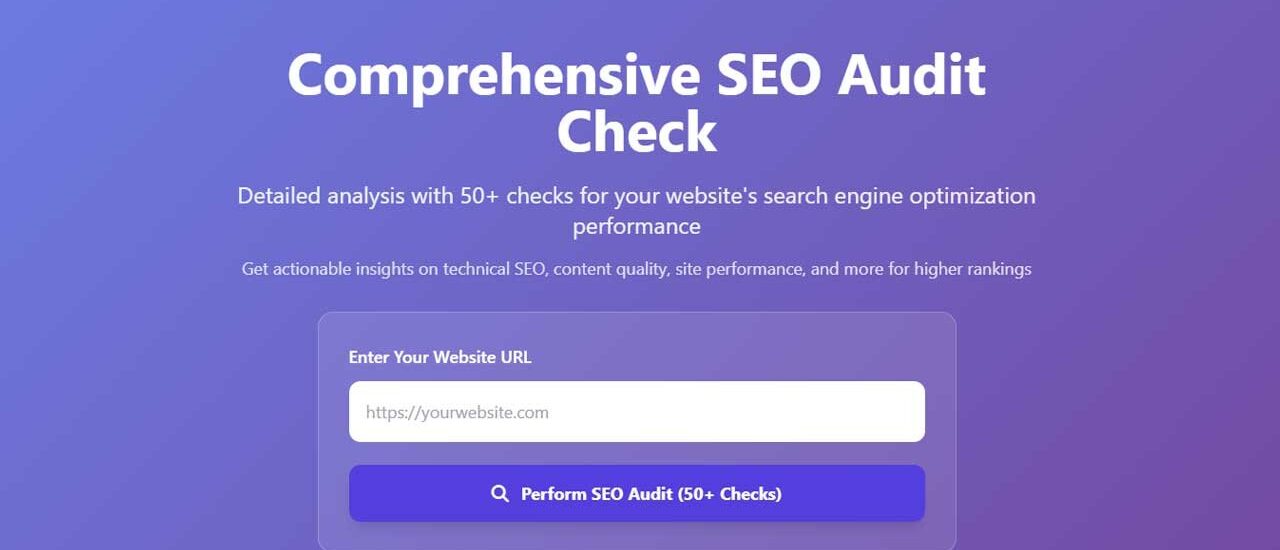
- Run the check. Enter the relevant URL and allow the tool to scan the page or website.
- Review the findings. Separate urgent technical issues from general suggestions and optional enhancements.
- Check the context. Confirm that each recommendation is appropriate for the page, your audience and your website’s purpose.
- Make changes carefully. Update titles, content, links or technical settings without sacrificing clarity or usability.
- Test again. Re-run the check after making changes and monitor performance over time.
SEO Areas to Check
Page Titles and Meta Descriptions
Each important page should have a clear, descriptive title that accurately reflects its content. A useful meta description summarises the page and gives people a reason to visit it from search results. Search engines may choose to display different text, so treat descriptions as helpful summaries rather than guaranteed snippets.
Headings and Page Structure
Headings help organise content for readers and provide context about a page. Use a clear main heading, followed by relevant subheadings. A logical structure makes long pages easier to scan and helps communicate how the information is organised.
Content Quality and Relevance
Check that each page answers the questions your intended audience is likely to have. Useful content should be accurate, easy to understand and written for people first. Avoid adding keywords repeatedly just to influence search rankings; unnatural writing can make a page less helpful.
Links and Navigation
Internal links connect related pages and help visitors find useful information. Check for broken links, confusing anchor text and important pages that are difficult to reach. External links should also lead to relevant, trustworthy resources.
Mobile Experience and Page Speed
Pages should be usable on mobile devices, with readable text, accessible controls and layouts that fit different screen sizes. Performance checks can point to issues such as oversized images or unnecessary scripts. Improving speed may require technical support, particularly on complex websites.
Indexing and Crawlability
Search engines need to be able to access and understand the pages you want them to consider. Review crawl errors, redirects, robots directives and sitemap information. Take particular care when changing these settings: an incorrect instruction can unintentionally prevent important pages from being crawled or indexed.
How to Prioritise SEO Recommendations
SEO checkers may produce many recommendations, but not every warning needs immediate action. Prioritise issues that affect important pages or prevent search engines and visitors from accessing content. A useful order is:
- Fix pages that are unavailable, blocked or incorrectly redirected.
- Resolve broken links and major technical errors.
- Improve missing or unclear page titles, headings and descriptions.
- Address mobile usability and performance problems.
- Refine content, internal linking and structured data where appropriate.
Consider the likely impact, the time required and the risk of making each change. A simple checklist item is not automatically more important than a site-specific issue the tool has not identified.
Limitations of SEO Checker Tools
An SEO checker can provide valuable guidance, but it cannot fully understand your business, audience or editorial goals. Automated tools may flag issues that are not relevant, miss problems that require human judgement, or make recommendations based on general rules rather than your specific circumstances.
Scores should be treated as indicators, not guarantees of search performance. Rankings depend on many factors, including the quality and relevance of a page, competition, search intent and changes to search systems. No checker can promise a particular position in search results.
Make SEO Checks Part of Your Routine
For the best results, use a website SEO optimisation checker as part of an ongoing review process. Check important pages after major updates, site migrations or redesigns, and schedule regular audits for larger websites. Combine automated checks with analytics, search performance data and feedback from real users.
The aim is not simply to achieve a perfect score. It is to make your website technically accessible, easy to navigate and genuinely useful. When an SEO checker helps you identify and fix problems that get in the way of those goals, it becomes a valuable part of maintaining a stronger website.
Essential Tips for Using a Website SEO Optimisation Checker
- Check page titles and meta descriptions for every page.
- Review keyword use without overstuffing.
- Test page speed on mobile and desktop.
- Fix broken links and missing image alt text.
- Recheck your site after each major update.
Check page titles and meta descriptions for every page.
Check the page title and meta description on every page of your website. Each title should be unique, concise and accurately describe the page, while each meta description should give visitors a clear, useful summary of what they’ll find. A website SEO optimisation checker can flag missing or duplicated information, helping you improve how your pages appear in search results and encourage relevant visitors to click through.
Review keyword use without overstuffing.
Review how keywords are used on each page to make sure they reflect the topic and match what visitors are looking for. Include relevant terms naturally in places such as the page title, headings and body copy, but avoid repeating them excessively. Keyword stuffing can make content awkward to read and less useful; prioritise clear, helpful writing for people.
Test page speed on mobile and desktop.
Test your page speed on both mobile and desktop to see how quickly your website loads for different visitors. Performance can vary between devices and connections, so check both rather than relying on a single result. If pages are slow, consider optimising images, reducing unnecessary scripts and improving server response times. A faster, smoother experience can help visitors find what they need and support your wider SEO efforts.
Fix broken links and missing image alt text.
Fixing broken links and adding descriptive alt text to images are simple steps that can improve both usability and SEO. Broken links frustrate visitors and may make it harder for search engines to discover and understand your pages, so use a website SEO optimisation checker to find them and update or remove them. Add concise, relevant alt text to informative images so that screen readers can describe them and search engines can better understand their context. For decorative images, use empty alt text rather than adding unnecessary descriptions.
Recheck your site after each major update.
Recheck your website after every major update, such as a redesign, platform change or significant content release. Updates can affect page titles, links, redirects, mobile usability and indexing settings, sometimes without obvious warning. Running your SEO checker afterwards helps you spot problems early, confirm important pages are still accessible and make sure your site continues to work well for both visitors and search engines.