Free Website SEO Check: A Practical Guide to Improving Your Site
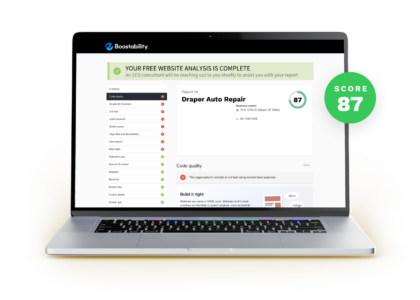
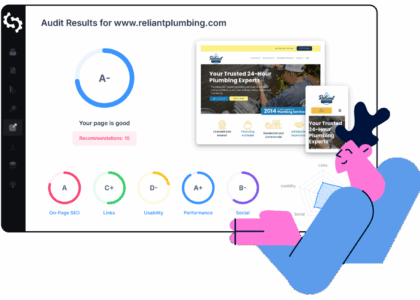
A free website SEO check can help you spot issues that may be making it harder for search engines and visitors to use your website. It is a useful first step for businesses, bloggers and website owners who want to understand how their site is performing without committing to a paid tool or service.
An SEO check usually scans a website for common technical, on-page and usability issues. The results can highlight areas to investigate, but they are best treated as guidance rather than a complete diagnosis. Search rankings depend on many factors, including the quality of your content, your industry and what people are searching for.
What does a free website SEO check look for?
Different tools assess different things, but a basic website SEO check may review:
- Page titles and meta descriptions: These help describe a page in search results. They should be clear, relevant and distinctive.
- Headings: A logical heading structure makes content easier to scan and understand.
- Mobile usability: Pages should work well on smaller screens, with readable text and easy-to-use navigation.
- Page speed: Slow-loading pages can frustrate visitors. Image size, scripts and hosting can all affect loading time.
- HTTPS: A secure connection helps protect information exchanged between your website and its visitors.
- Broken links: Links that lead to missing pages can disrupt the user journey and make a site harder to maintain.
- Image alt text: Descriptive alternative text can make images more accessible and help search engines understand them.
- Indexing signals: Settings such as robots.txt and canonical tags can influence which pages search engines can access and index.
How to run an SEO check
Start by choosing a reputable tool and entering the URL of the page or website you want to review. Some free tools check one page at a time, while others provide a limited site-wide scan. Follow the instructions in the report and note which findings are marked as important.
For a more complete picture, check several key pages rather than relying on a single homepage scan. Include important service or product pages, popular articles and contact information. You can also use search engine tools to review indexing and performance data directly.
How to make sense of the results
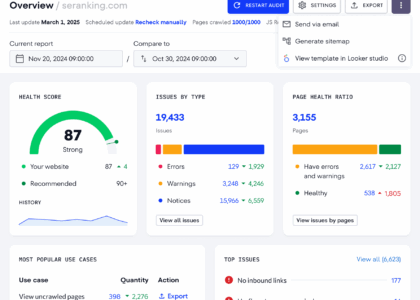
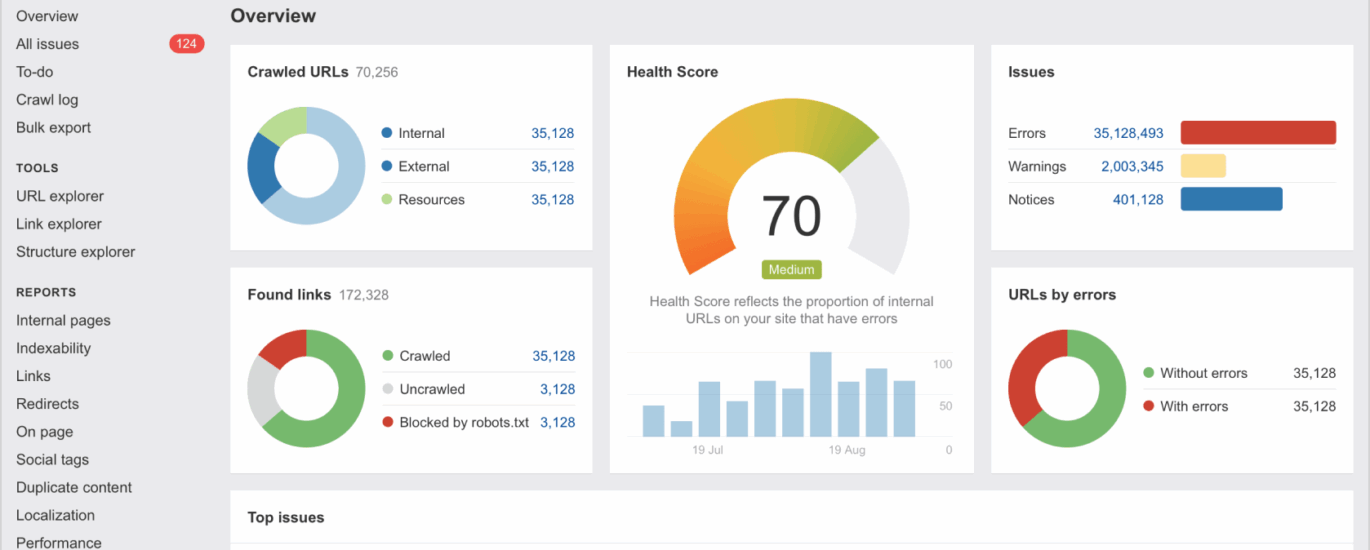
A report may list dozens of recommendations, but not every warning needs immediate attention. Some tools flag minor issues or offer general suggestions that may not apply to your website. Focus first on problems that affect access, usability or important content.
- Fix pages that cannot be reached or indexed. Check for accidental restrictions, broken pages and incorrect redirects.
- Improve the visitor experience. Address mobile layout problems, confusing navigation and very slow pages.
- Make important pages clearer. Use descriptive titles, helpful headings and content that answers the reader’s questions.
- Review links and images. Repair broken links and add useful alt text where it helps explain an image.
- Recheck after making changes. A follow-up scan can help confirm that an issue has been resolved.
What a free SEO check cannot tell you
A free scan can identify technical warning signs, but it cannot guarantee higher rankings or fully assess the usefulness and originality of your content. It may also provide only a snapshot of your website and miss issues that require a more detailed review.
SEO is an ongoing process. Search engines change, competitors publish new content and your own website evolves. Alongside a free website SEO check, review your website analytics, listen to customer feedback and keep your pages accurate and useful.
Make your SEO check part of a regular routine
Running a free website SEO check is a straightforward way to find opportunities for improvement. Use the results as a starting point, prioritise the issues that matter most to visitors, and make changes one step at a time. Regular checks can help you maintain a clearer, faster and more accessible website—and create a stronger foundation for long-term SEO.
Essential FAQs on Conducting a Free Website SEO Check
- What is a free website SEO check?
- How can I check my website’s SEO for free?
- What does a free SEO check look for?
- Are free website SEO checkers accurate?
- Can a free SEO check improve my Google rankings?
- How often should I run an SEO check on my website?
What is a free website SEO check?
A free website SEO check is a scan of your website that looks for common issues affecting its visibility in search engines and its usability for visitors. It may review page titles, headings, mobile-friendliness, loading speed, broken links and other technical factors, then suggest areas to improve. The results offer a useful starting point, but they do not guarantee higher search rankings or replace a detailed SEO review.
How can I check my website’s SEO for free?
You can check your website’s SEO for free using online SEO audit tools, which scan a page or site for common issues such as missing page titles, broken links, slow loading times, mobile usability and indexing problems. Enter your website address, review the results and prioritise fixes that affect visitors or prevent search engines from accessing important pages. Free tools may have limits and their recommendations are not always relevant, so treat them as a helpful starting point rather than a complete SEO assessment.
What does a free SEO check look for?
A free SEO check typically looks for common issues that may affect how search engines find, understand and rank your website. Depending on the tool, it may review page titles and meta descriptions, headings, mobile usability, loading speed, HTTPS security, broken links, image alt text and whether pages can be indexed. The results offer a useful starting point, but they may not cover every SEO factor or replace a detailed review.
Are free website SEO checkers accurate?
Free website SEO checkers can accurately identify many common issues, such as missing page titles, broken links, slow-loading pages and mobile usability problems. However, each tool checks different factors, and free versions may offer only a limited snapshot of your site. Treat the results as useful guidance rather than a complete SEO assessment: verify important recommendations and consider your content, audience and search performance before making changes.
Can a free SEO check improve my Google rankings?
A free SEO check can help identify issues that may be holding your website back, such as broken links, slow-loading pages or missing page titles. Fixing these issues can improve your site’s accessibility and user experience, which may support better performance in Google Search over time. However, a check alone cannot guarantee higher rankings; results also depend on the quality and relevance of your content, your competition and many other factors.
How often should I run an SEO check on my website?
It’s a good idea to run an SEO check every few months, and after significant changes such as a redesign, a new site structure or a major content update. Regular checks can help you catch technical issues early and track improvements over time. If your website changes frequently or is central to your business, check it monthly; otherwise, a quarterly review is a useful routine.